



ใบแจ้งหนี้ ON-LINE
*** ระยะเวลาที่สามารถเข้าดูใบแจ้งหนี้ online ได้คือวันอาทิตย์หลังจากวันประมูล 1 วัน ตั้งแต่เวลา 13.00 น. เป็นต้นไป และจะเปิดให้ดูได้ 7 วันเท่านั้น
สอบถามข้อมูลเพิ่มเติมได้ที่ฝ่ายการเงิน 02-704-9572
กรณีมีปัญหาเข้าใช้งานไม่ได้ ติดต่อที 084-088-9205
ลูกค้าที่ชนะการประมูลสามารถเข้ามาตรวจสอบรายการสินค้าที่ประมูลได้ และราคาสินค้าได้ทันทีในวันถัดไปภายหลังเสร็จสิ้นวันประมูล ตั้งแต่เวลา 11.00 น. เป็นต้นไป
ขั้นตอนการดูใบแจ้งหนี้ Online
1. กรอก username, password ซึ่ง username, password จะได้รับทาง SMS ตามหมายเลขโทรศัพท์ที่แจ้งไว้ตอนลงทะเบียน
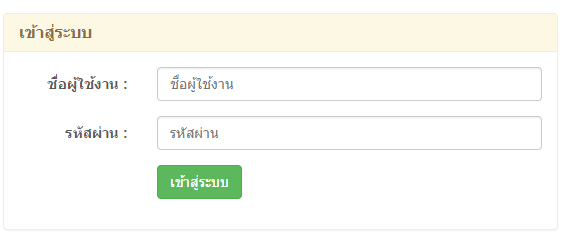
2. เมื่อเข้าสู่ระบบแล้ว จะมีเมนูเพิ่มขึ้นมาในแถบเมนูด้านบนชื่อเมนูว่า "ใบแจ้งหนี้ออนไลน์" ให้ทำการเลือกเมนูดังกล่าว
1. กรอก username, password ซึ่ง username, password จะได้รับทาง SMS ตามหมายเลขโทรศัพท์ที่แจ้งไว้ตอนลงทะเบียน
2. เมื่อเข้าสู่ระบบแล้ว จะมีเมนูเพิ่มขึ้นมาในแถบเมนูด้านบนชื่อเมนูว่า "ใบแจ้งหนี้ออนไลน์" ให้ทำการเลือกเมนูดังกล่าว

3. เมื่อ login สำเร็จจะปรากฏหน้าจอแจ้ง รายการที่ท่านประมูลได้ที่ไหนบ้าง และประมูลได้ทั้งหมดกี่รายการ เมื่อต้องการดูรายละเอียดให้คลิกตรงรายการ ใบแจ้งหนี้ “JSSR กม.35” หากไม่มีรายการที่ประมูลได้จะไม่สามารถคลิกได้
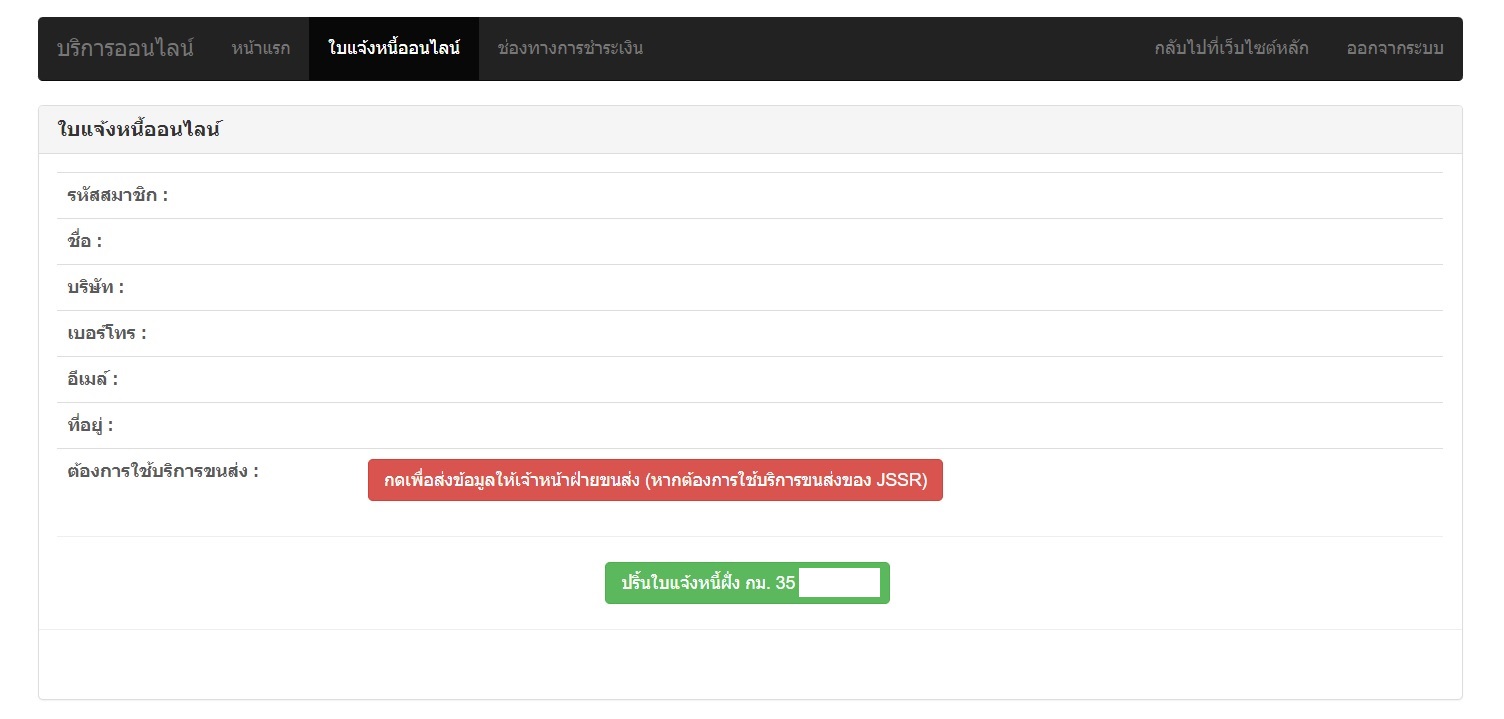
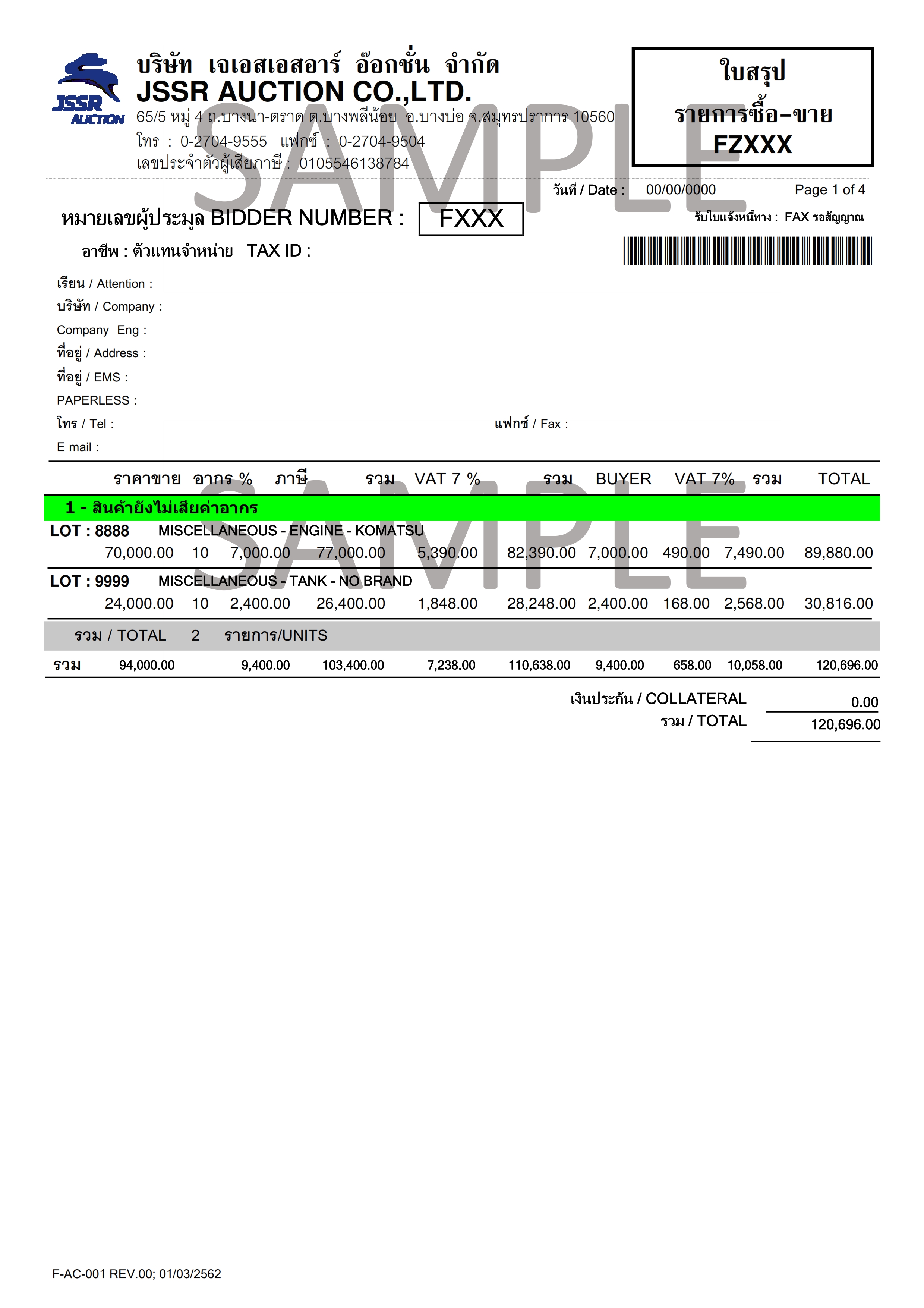
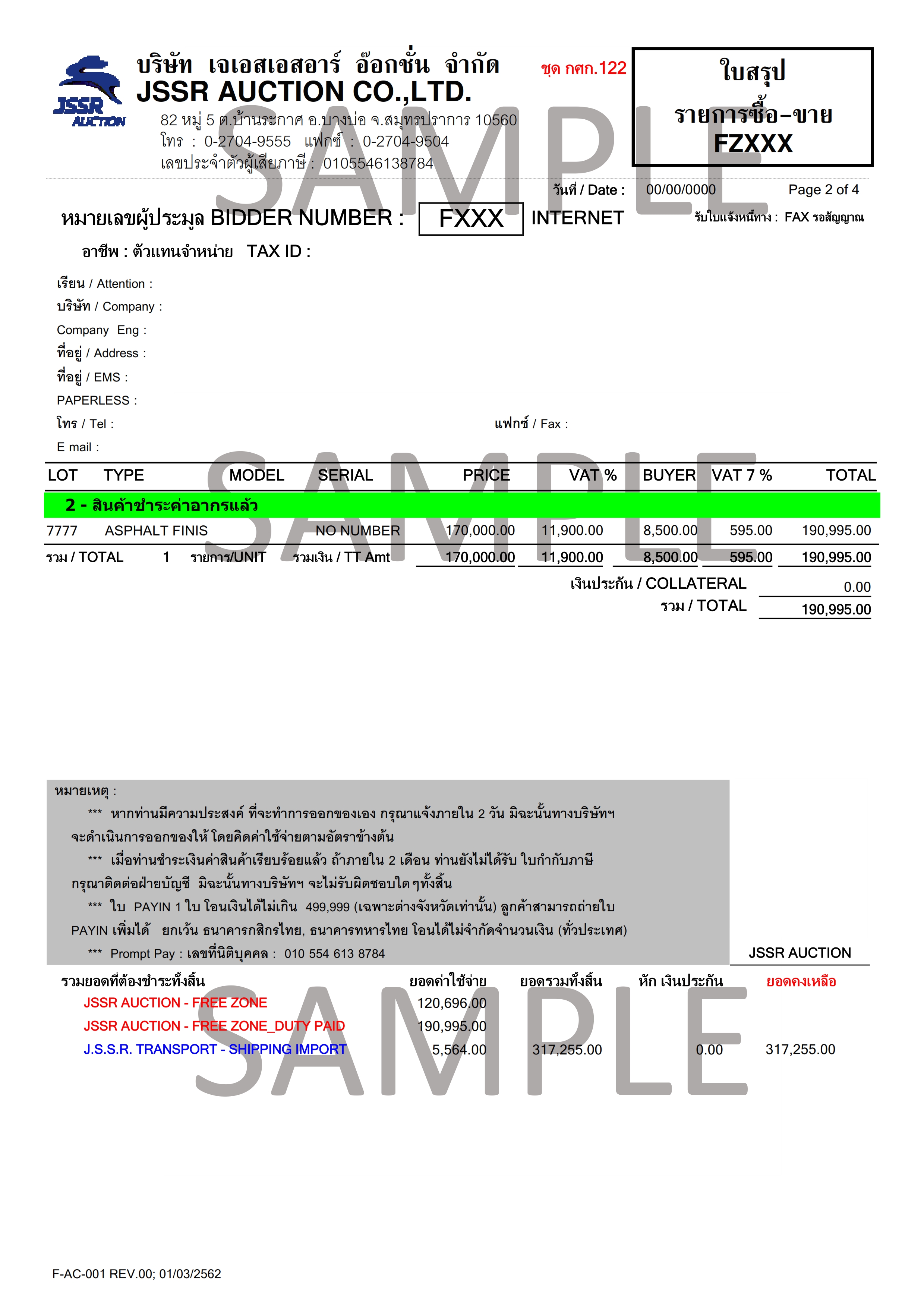
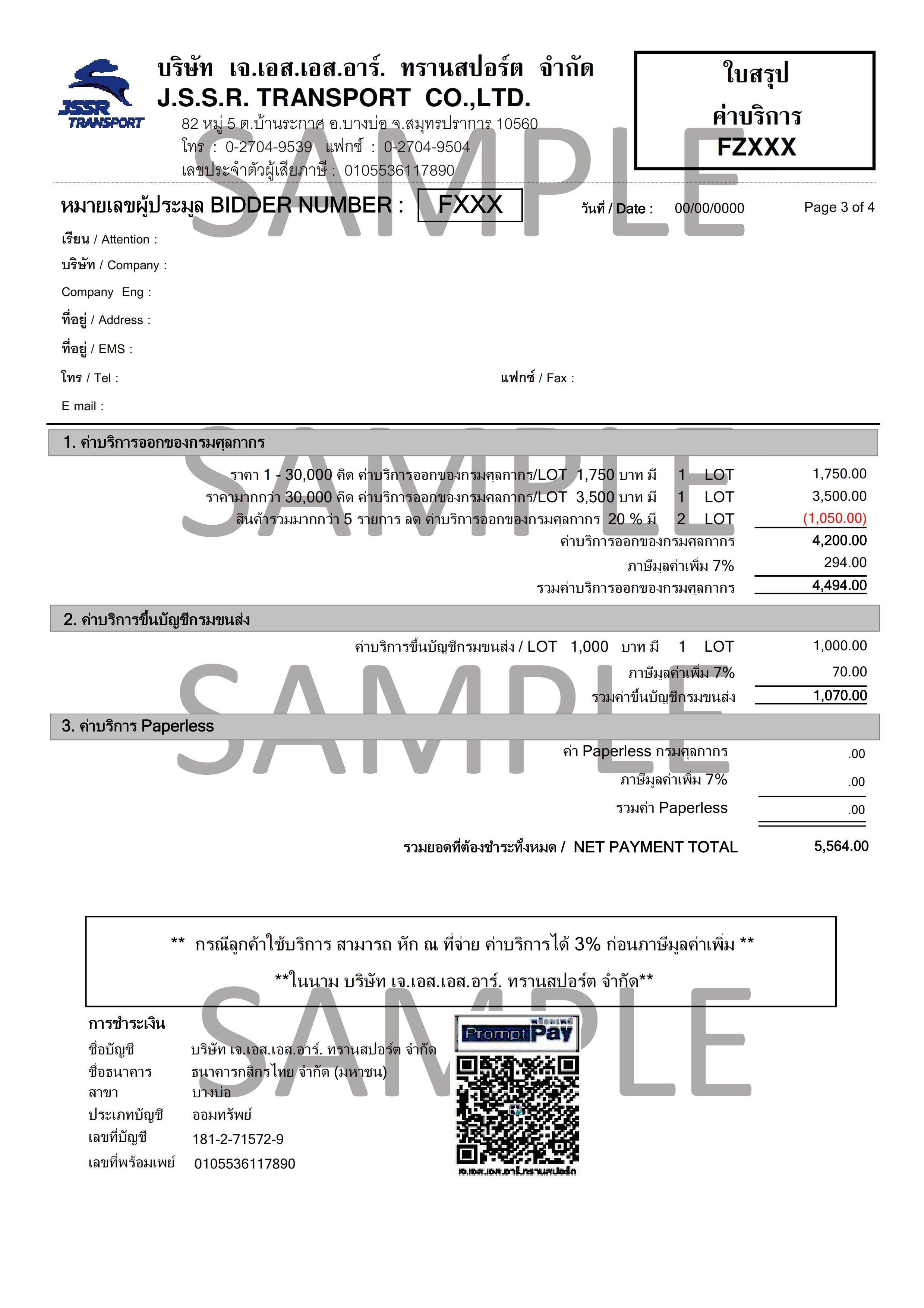
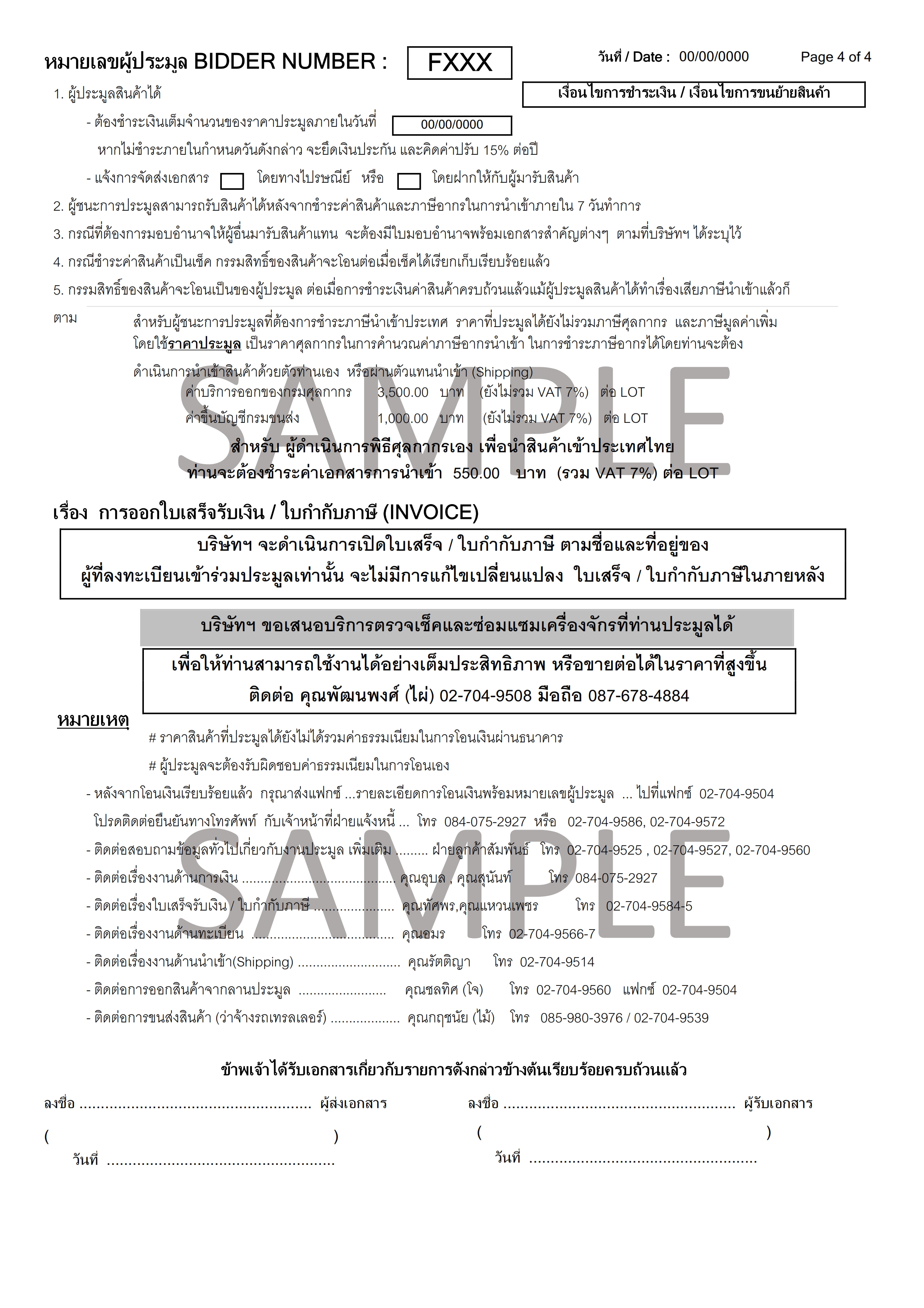
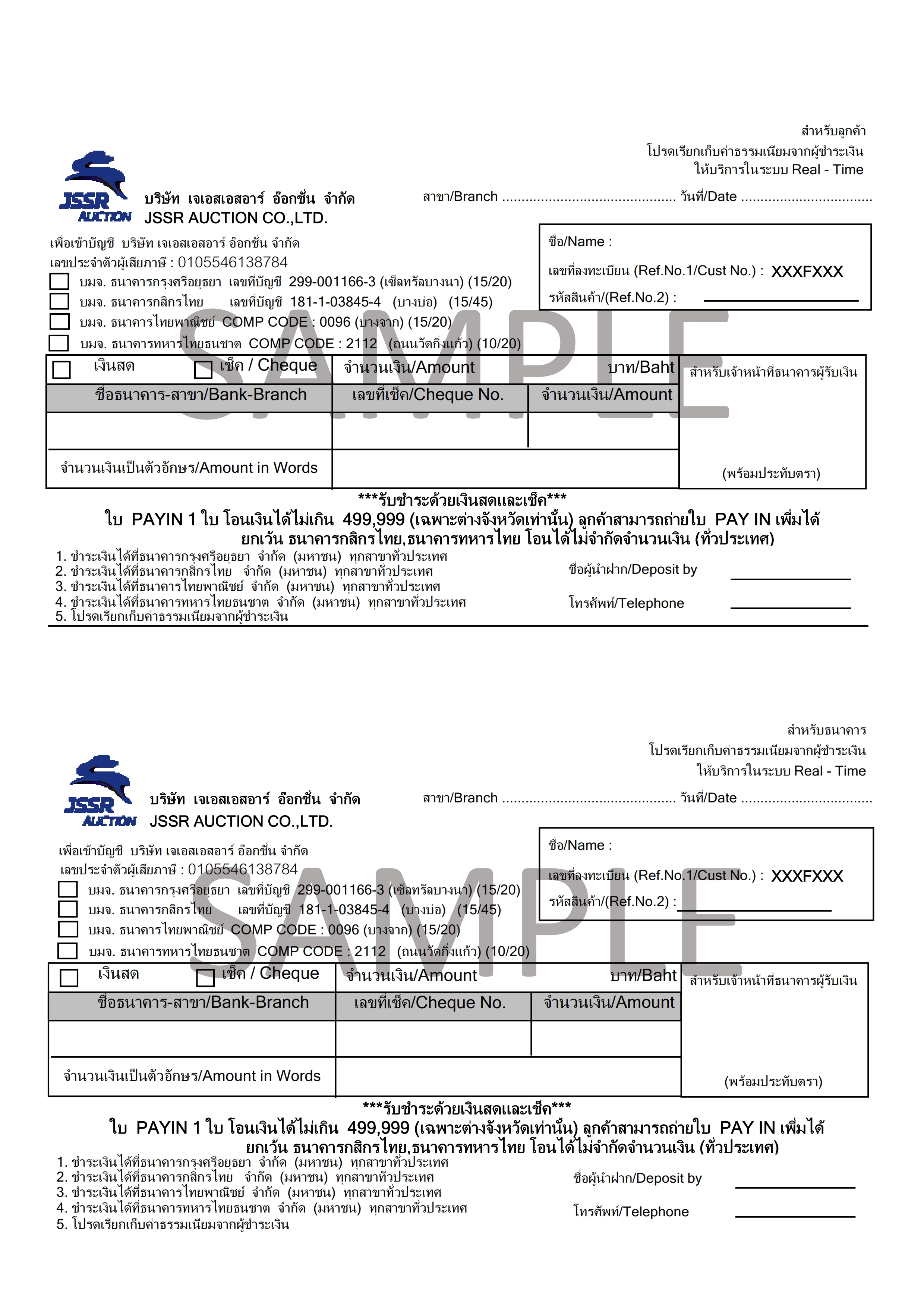
4.จะปรากฏหน้าจอของรายการประมูลทั้งหมดที่ท่านประมูลได้ ท่านสามารถ print และสามารถนำใบ pay in ที่ print ไปที่ธนาคารเพื่อทำการโอนเงินได้

บริษัท : เจเอสเอสอาร์ อ๊อกชั่น จำกัด. (สำนักงานใหญ่) เขตปลอดอากร บางนา กม.35 ( Free Zone)
- เลขที่ 65/5 หมู่ 4 ถ.บางนา-ตราด ต.บางพลีน้อย อ.บางบ่อ จ.สมุทรปราการ 10560
- โทร: 02-704-9555,02-704-9560,02-704-9599
- แฟกซ์: 02-704-9550
- อีเมล: [email protected]
JSSR Group | Jssr Auction | JSSR Logistics | J-Buynow | J-Nego | JCD | Green Corporation co.,ltd |


2016 © JSSR Auction ( Version 2.0 1 - Apr 2018)
2026-10-01 15:06:16 